Quickly Booked App Support
Quickly Booked App integrates seamlessly with Google Reserve, enabling businesses to allow their customers to book services directly from Google Search and Google Maps. This integration provides a smooth and efficient way to capture new bookings and enhance visibility online.
Reserve with Google integration for Quickly Booked App is considered a free integration, and it won’t be counted towards your total number of Custom Features & Integrations.
The following link contains a current limitation imposed by Google and related to the country or industry.
To activate Reserves with Google, navigate to the Features & Integrations section within Quickly Booked App. Locate Reserves with Google and click “Enable“. Once activated, the card will show “Set Up” button. Click this button to access the configuration page.
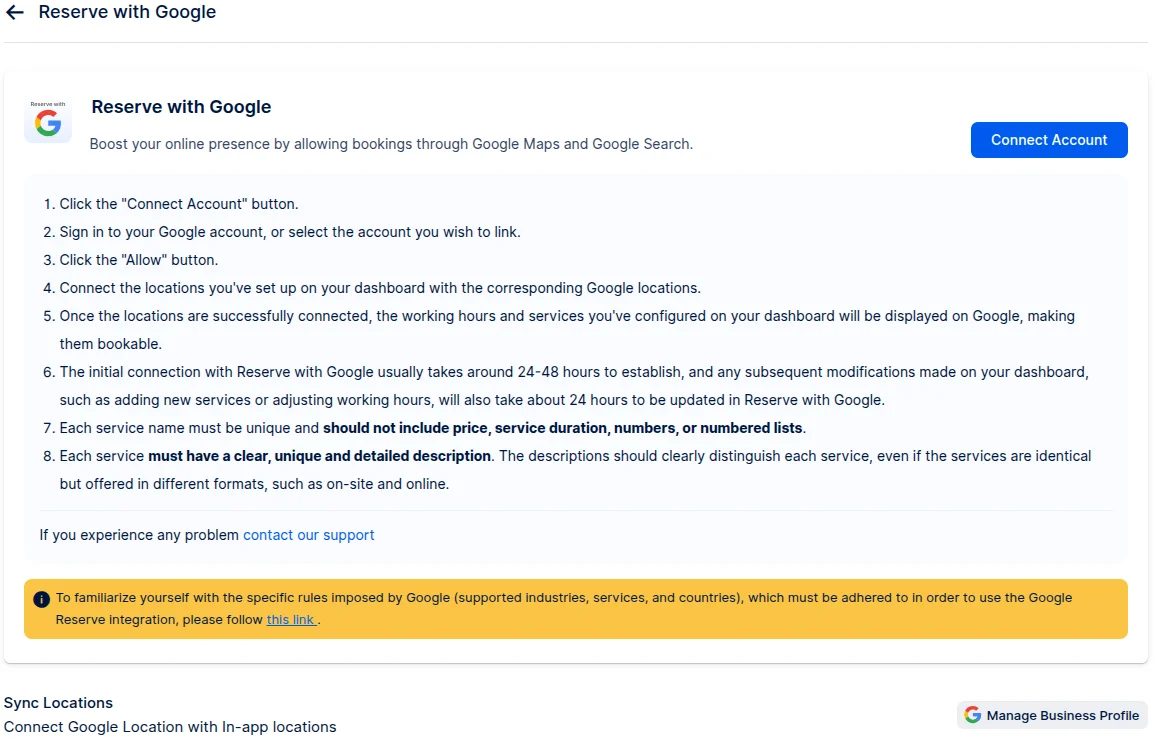
Here you will be able to connect to your Google Business account and link Quickly Booked App location with your business location.
Also, there are details instructions on how to connect your account and what are the requirements. You can see them below:
- Click the “Connect Account” button.
- Sign in to your Google account, or select the account you wish to link.
- Click the “Allow” button.
- Connect the locations you’ve set up on your dashboard with the corresponding Google locations.
- Once the locations are successfully connected, the working hours and services you’ve configured on your dashboard will be displayed on Google, making them bookable.
- The initial connection with Reserve with Google usually takes around 24-48 hours to establish, and any subsequent modifications made on your dashboard, such as adding new services or adjusting working hours, will also take about 24 hours to be updated in Reserve with Google.
- Each service name must be unique and should not include price, service duration, numbers, or numbered lists.
- Each service must have a clear, unique and detailed description. The descriptions should clearly distinguish each service, even if the services are identical but offered in different formats, such as on-site and online.
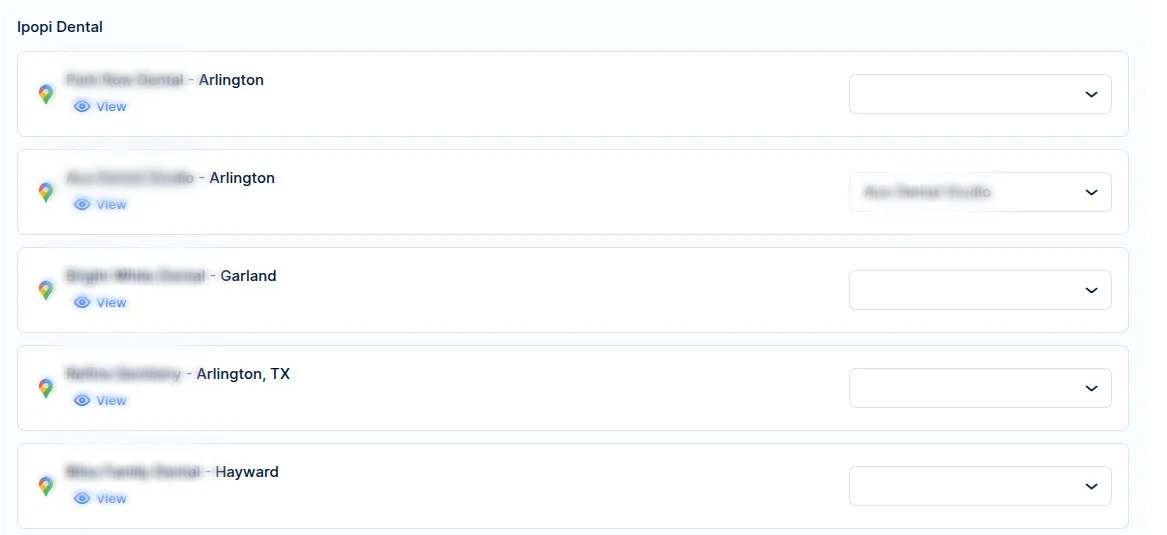
Once the connection to your Google account is made, you will have the option to connect your Quickly Booked App locations with the locations created on your Google Business Account using the drop-down menu.
The left side will show Google Business locations, while the right drop-down menu will list all the locations created in Quickly Booked App and they need to be matched.
See example:
It can take up to 48 hours for Google to review and approve your request. Making any additional changes can extend the verification period.
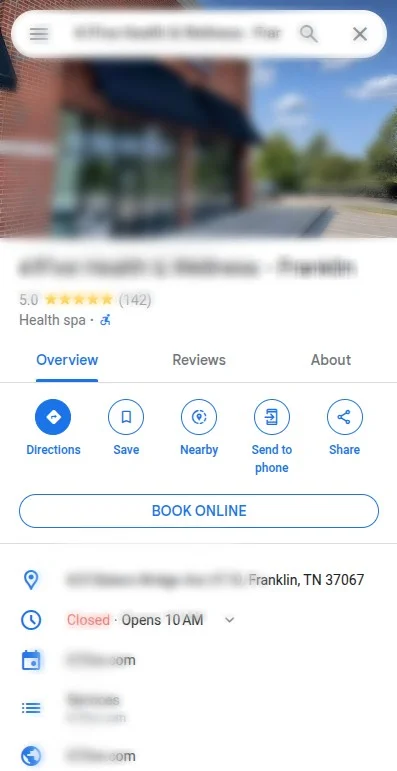
After the verification period, the “Book Online” button should be visible when searching for the business on Google Maps. If the button is not visible, please contact our support.